

Key takeaways
Key takeaways
0401
Choose one repeatable job
Start with work people already perform often, users you can interview, and a done state everyone can recognize in a walkthrough.
02
Data model before screens
Records, ownership, and audit. A pretty UI on a mushy schema will be rewritten.
03
Slice, then modules
A vertical that hits auth, data, and one integration beats six disconnected screens.
04
Ops is part of done
Staging, logs, a runbook, and who answers after launch. A zip of mysteries is not delivery.
How do you pick the first job to build?
To build custom software, choose one repeated job with known users and a clear finish, then model its records before designing screens. Ship a vertical slice that includes access, data, and one real integration. Test it in staging with production-shaped data before adding more departments, roles, or features.
Write buy versus build next to the job. If a vendor already covers it, custom vs off-the-shelf may send you back to a seat. If the job is a pipeline of accounts, read custom CRM development. If it is a product you will sell, read SaaS development.
The custom software pillar covers what an engagement includes. This page is the sequence. Job, model, slice, integrate, operate.
What comes after the job: data model or UI?
Data model first. Name the records, who owns them, and what must be audited. Then sketch the screens that create and change those records. UI-first prototypes hide missing objects until week eight.
The first slice should be vertical: auth, the core records, one screen path, one integration that already burns time. Users should complete the job in staging. Horizontal slices (all screens, no glue) look busy and teach you nothing.
Architecture follows the problem. TypeScript, React, Next.js, Node, and Postgres show up often here. Meeting you on .NET, Rails, or Python is fine when that is the sane path. Do not pick a stack because a conference liked it.
How do you integrate, test, and release?
Integrations are where calendars slip. Payments, identity, email, a warehouse, a carrier. Use a real sandbox and a real sample of production-shaped data. Happy-path Postman collections are not a test.
Automated tests on the paths that move money or permissions. Staging that looks like production. Feature flags if you must open to one customer first. QA and security is the commercial companion when you need that as a named engagement.
Release is a date with a rollback, not a hope. Handoff is docs, access, and a named owner on your side. If nobody watches the system, it will drift. Treat it like a product, not a one-off project file.
Who builds it, and how do you keep it?
In-house if you have the product lead and the seats. A partner if you need a team that has shipped this shape. How to choose a software development company is the filter. Cost bands are on custom software development cost.
Algo Vortex delivers from Lahore. US East against Pakistan 9 to 5 does not overlap. Plan the shared block with the timezone overlap planner. Async hours move implementation. Workshops need the lead on the call.
After launch, either keep a dedicated slice of the team or take the runbook in-house. Staff augmentation and an ODC exist for the keep-it phase. Send the job on contact if you want a partner for the first slice.
How do you migrate off spreadsheets or a brittle app?
Start with a real sample, not a cleaned demo CSV. Spreadsheets hide duplicate names, missing keys, and columns that mean three things. The first slice should import that mess into the new records and show the user where rows failed. Quiet imports create quiet distrust.
Run the new path in parallel until the new path is boring. Keep the old system readable. Cut over one workflow, not the whole company. A weekend big-bang is how teams spend the next quarter on support.
Map identities early: who is the same person in the old tool, the mailbox, and the payment provider. If you cannot join those, reporting will lie. Migration is data work. Budget it as such, not as a last-week import job.
Next step
Have one workflow ready to replace?
Share the users, records, current process, and done state. We will tell you whether it is ready for a vertical slice or still needs buy-versus-build work.
Talk to Algo VortexSame cluster
Related in this cluster
Custom software development
Custom software earns its keep when your workflow does not fit a vendor tool, or when that workflow is the product customers buy. Here is how to decide, what a serious engagement includes, and how to ship something your team can still run after launch.
Custom software development cost
Custom software cost follows scope, integrations, data, and the team needed to keep it running. A useful estimate separates the first production release from hosting, maintenance, and later changes. This guide explains the cost drivers already hiding inside most briefs.
SaaS development
SaaS development includes the product people pay for and the rails that keep each customer separate: tenancy, billing, permissions, support tools, and controlled releases. A credible MVP pairs those basics with one workflow that solves a painful job. Everything else can wait.
How to choose a software development company
Choose a software partner by checking what still runs after launch, who owns the code, and how the team behaves when work goes wrong. Stack lists and logo walls tell you little. Production evidence, a paid trial, and clear exit terms tell you much more.
Capabilities
Related capabilities
Proof
Related case studies
Live products where this kind of work showed up in the build.
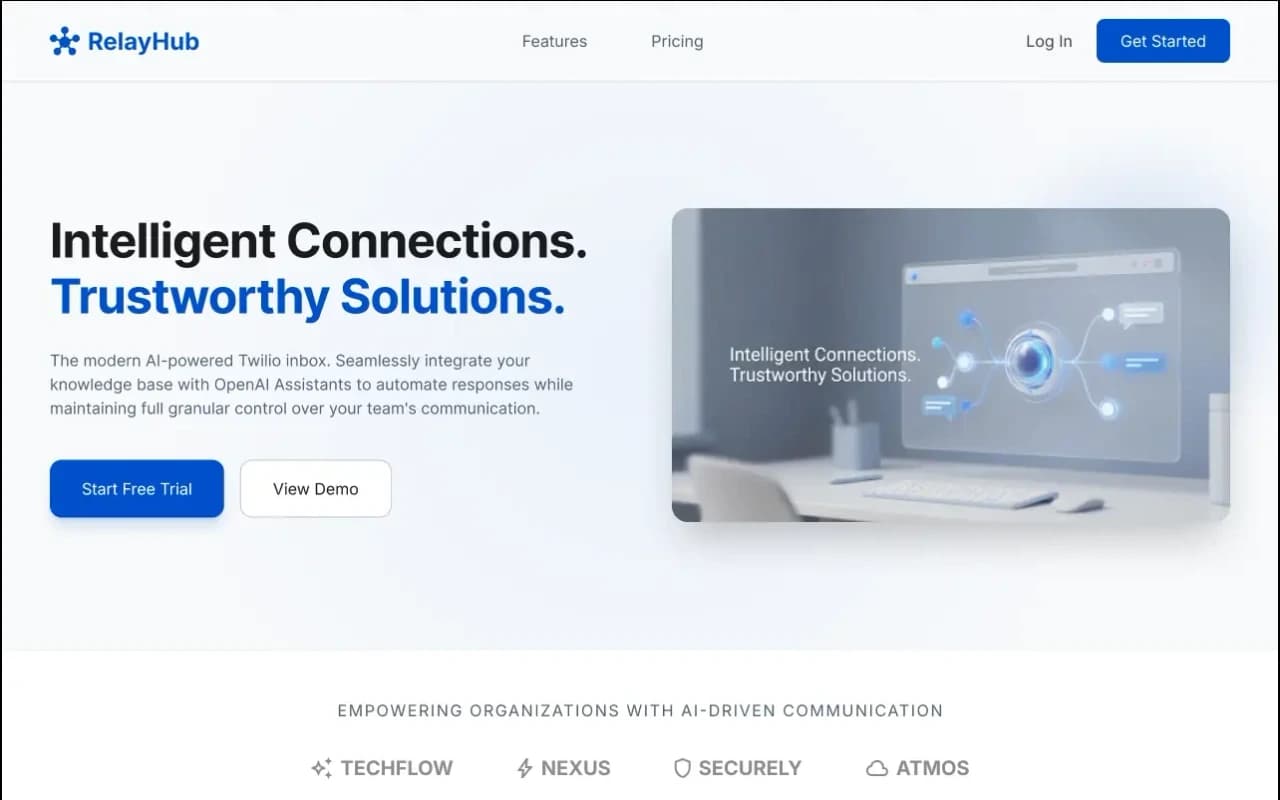
One triage view for Twilio phone and digital threads, with OpenAI drafts under admin prompts. Built for teams tired of rebuilding context across tools.
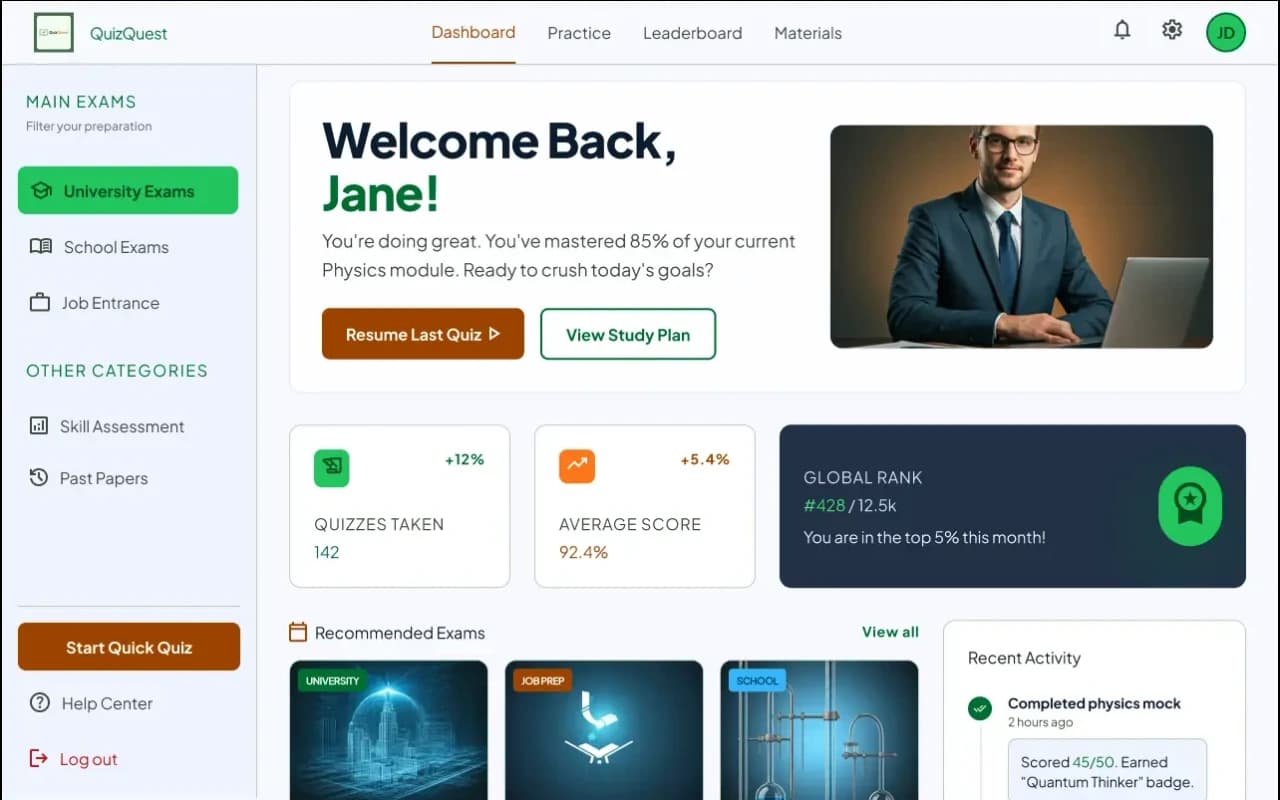
Timed MCQs with instant feedback, topic mastery profiles, and a Question Creator instructors can publish without waiting on engineering.
FAQ
Questions
More on all insights, custom software, or contact Algo Vortex.