
Key takeaways
Key takeaways
0401
Keep the product
Users already know the screens. Put AI next to the job, not in a separate toy chat that nobody opens twice.
02
One integration layer
Wrap the model behind your API. Do not scatter provider calls through the frontend. You will need to swap, cap, and log.
03
Use the data you have
RAG, tools, or MCP should read the same sources the product already trusts. A shadow corpus goes stale on day two.
04
Release behind a flag
Start with internal users or a small tenant group, measure results, and widen access only after the feature meets agreed checks.
Where should an AI feature appear in your product?
Place AI inside a task users already perform: draft within a ticket, suggest the next dispatch step, or extract fields from an existing upload. The feature should understand the current record and respect the same workflow. A detached chat box with no product context is usually a demo, not a useful integration.
The surrounding app stays the system of record. Auth, billing, roles, and audit should not be reinvented for the model. The AI feature borrows them. That is why this work is software development with a model in it, not a separate AI project that never quite merges.
RelayHub and RouteMind both follow that pattern. The AI is inside the product surface. If you are building a net-new agent with no home, read how to build an AI agent first. If you already have users, stay on this page.
What should an AI integration layer handle?
An AI integration layer should keep provider calls behind a backend service your team controls. It should handle timeouts, limited retries, redaction, usage tracking, prompt versions, and a stable interface for the application. Frontends must not hold provider keys, and each feature should not create a separate unmanaged integration.
The layer decides RAG vs tools vs both. Documents go through RAG. Live records go through tools. MCP is optional when more than one host will share those tools. Feature flags decide who sees the new control. A kill switch decides who still sees it after a bad model day.
Plan for provider failure. Queue the work, fall back to a smaller model, or hand the user the old non-AI path. An existing product already has a way to complete the job. AI should degrade into that way, not into a spinner.
How should AI use existing product data?
AI features should reuse the product's current permission model. If a user cannot access a record in the interface, the model must not receive it in a prompt. Apply tenant filters to retrieval and every tool, then log model inputs and actions under clear rules for personal data.
You will find dirty data. That is normal. Scope the first feature to the cleanest path: one object type, one workflow, one role. Parallel cleanup can happen. Blocking the feature on a perfect warehouse is how AI stays on the roadmap forever.
Legal and security review should happen before the first production tenant, not after a clever prototype leaks a prompt. Treat transcripts as data. Retention is a product setting.
How should you release an AI feature safely?
Release an AI feature to internal users first, then a willing tenant or small user group, and only then widen access. Run a known evaluation set before prompt or model changes. Track latency, usage cost, corrections, and support impact, with a feature flag ready to disable the new path.
Name an owner. Existing products already have on-call. The AI path needs to join that, with a way to disable it without a deploy if you can. AI development at Algo Vortex is mostly this kind of work: features inside apps that already run.
If the question is still whether to build at all, how to choose an AI development company is the buying guide. If you already know the job, contact with the screen it should live on and the data it may use.
Next step
Add one useful AI feature to your product
Share the screen, workflow, and data the model may access. We will map a focused integration that can launch behind a flag with a safe fallback.
Talk to Algo VortexSame cluster
Related in this cluster
AI agent development
AI agent development turns a defined business workflow into software that can reason, call tools, and hand risky decisions to people. This guide explains the architecture, guardrails, evaluation, and operating work needed to move past a promising demo.
RAG development
RAG development connects a language model to your current documents, records, and permissions so answers can be traced to a source. The hard part is not calling a model. It is parsing, retrieval, access control, evaluation, and knowing when the system should decline to answer.
How to choose an AI development company
Choose an AI development company by how well it defines the job, handles your data, measures output, ships surrounding product work, and supports the system after launch. A polished demo matters far less than evidence of sound engineering and honest limits.
Capabilities
Related capabilities
Proof
Related case studies
Live products where this kind of work showed up in the build.
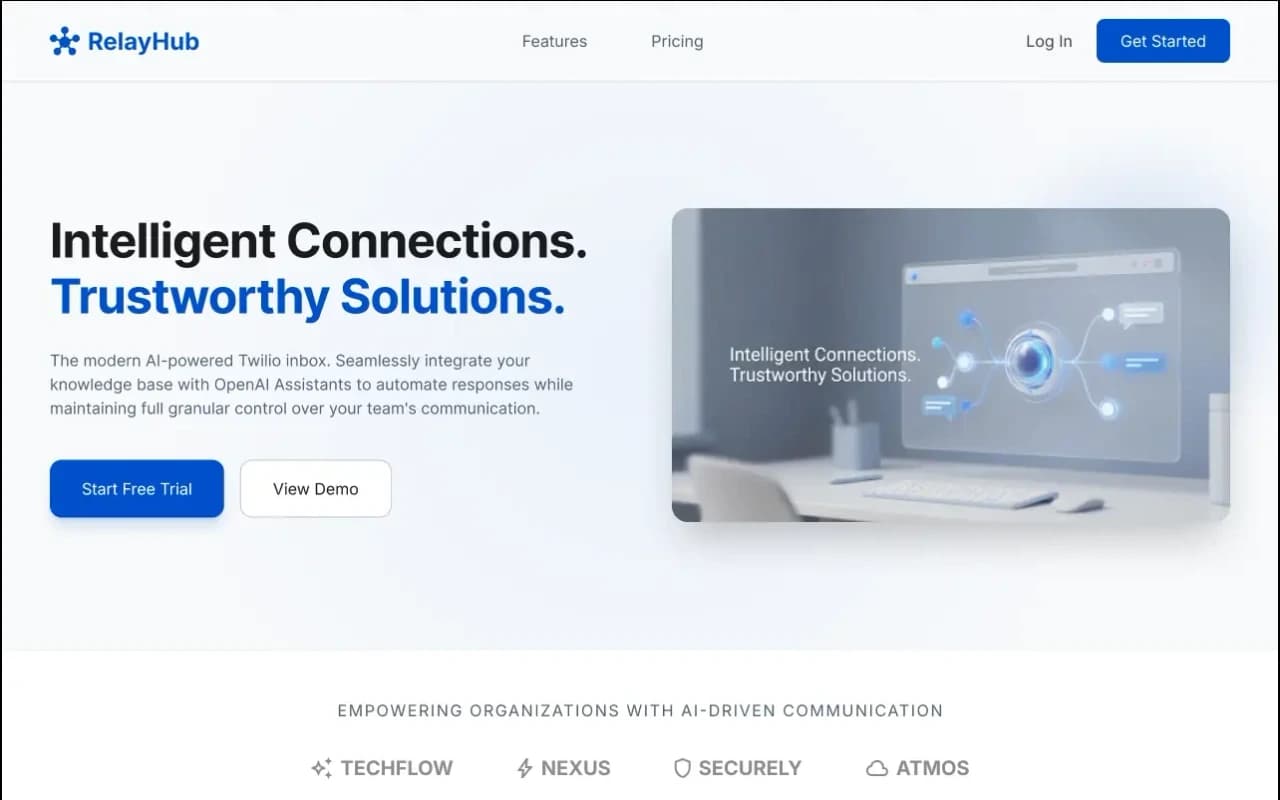
One triage view for Twilio phone and digital threads, with OpenAI drafts under admin prompts. Built for teams tired of rebuilding context across tools.
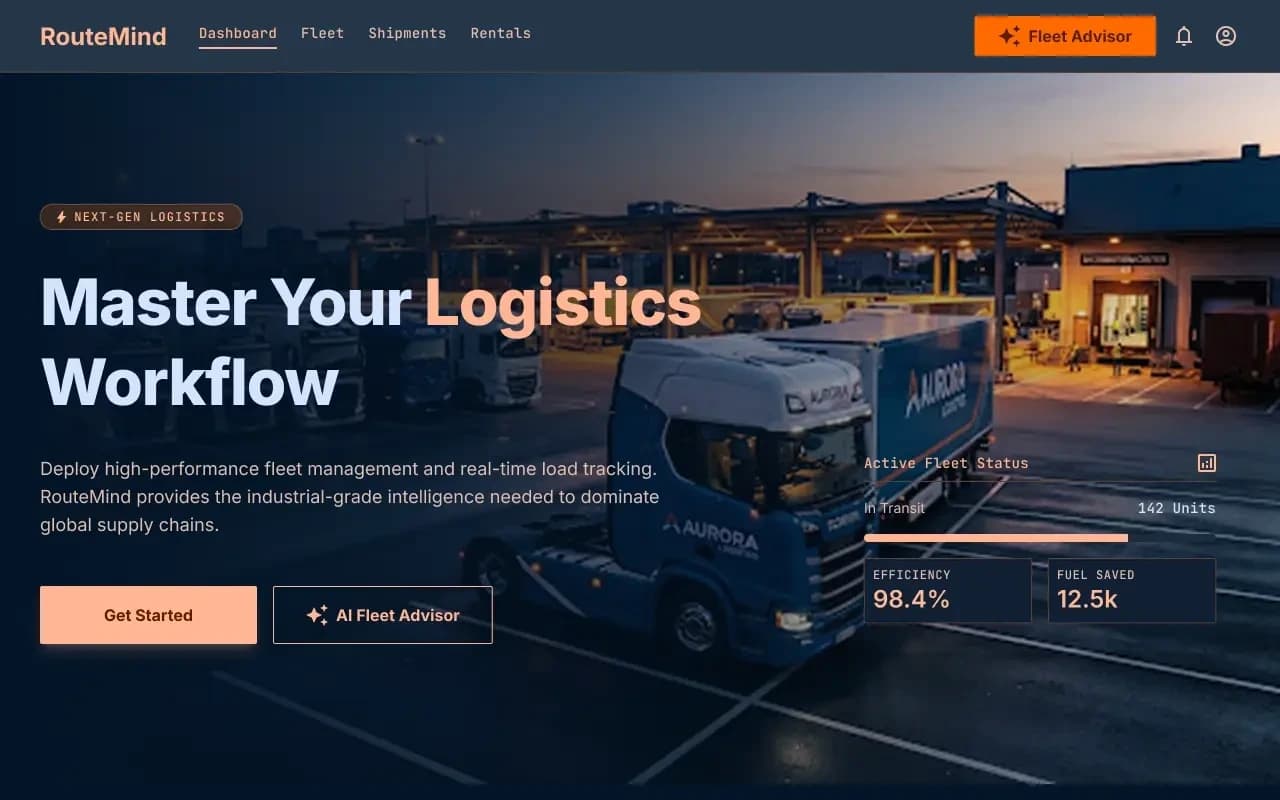
Shipper load board and fleet dashboard on one ops model, with an AI advisor that reads live capacity before suggesting the next move.
FAQ
Questions
More on all insights, AI development, or contact Algo Vortex.