

Key takeaways
Key takeaways
0401
Inventory before ambition
Unknown dependencies cause most outages. Map apps, data stores, identities, and batch jobs before you pick a weekend.
02
Pattern per workload
Rehost, replatform, and refactor are tools. One pattern for everything wastes money or schedule.
03
Cutover is a product
Runbooks, rehearsal, and rollback matter as much as Terraform. Migrations fail in the last mile.
04
Success is not flip day
Right-sizing, security cleanup, and CI/CD after move decide whether cloud spend and releases improve.
What are cloud migration services?
Cloud migration services are the assessment, planning, engineering, and cutover work that move systems from on-premises or another cloud into a target platform such as AWS, Azure, or GCP. A complete engagement usually includes landing-zone setup, identity, networking, data movement, application changes where needed, and hypercare after go-live.
Teams buy help when the risk of doing it alone beats the fee: regulated data, messy estates, or a hard data-center exit. The service should reduce surprise, not just relocate VMs.
Algo Vortex’s commercial path is Cloud & DevOps. Use this guide to brief stakeholders and to spot a real migration plan versus a hosting quote with nicer words.
If the real pain is an aging codebase, read legacy system modernization in parallel. Many “migrations” are half modernization and should be scoped that way.
What should the assessment phase produce?
A workload inventory with owners, SLAs, data classification, and dependency maps. Without that, every estimate is fiction.
A landing zone outline: accounts or subscriptions, network topology, identity federation, logging, and baseline security. Dropping apps into a personal account creates a permanent snowflake estate.
A pattern per workload: rehost (lift-and-shift), replatform (managed database, containers), refactor, repurchase (SaaS), or retire. One spreadsheet column that says “cloud” for every row is not a strategy.
A risk register in plain language: DNS, session stores, license keys, batch windows, third-party IP allowlists. Those kill more migrations than Kubernetes version debates.
Common migration patterns
Pattern
Rehost
When it fits
Exit deadline, stable app, low change appetite
Watch-outs
Lifted waste; “optimize later” never happens
Pattern
Replatform
When it fits
Want managed DB or containers without a rewrite
Watch-outs
Local-disk and license assumptions
Pattern
Refactor
When it fits
Scale or release pain is the driver
Watch-outs
Longer timeline, higher payoff
Pattern
Repurchase
When it fits
Commodity capability
Watch-outs
Data export and process change
Pattern
Retire
When it fits
Unused or duplicate systems
Watch-outs
Hidden reporting dependencies
| Pattern | When it fits | Watch-outs |
|---|---|---|
| Rehost | Exit deadline, stable app, low change appetite | Lifted waste; “optimize later” never happens |
| Replatform | Want managed DB or containers without a rewrite | Local-disk and license assumptions |
| Refactor | Scale or release pain is the driver | Longer timeline, higher payoff |
| Repurchase | Commodity capability | Data export and process change |
| Retire | Unused or duplicate systems | Hidden reporting dependencies |
When is lift-and-shift the right call versus refactor?
Rehost when a lease expiry, data-center closure, or merger deadline is fixed and the app is stable. Speed and continuity win. You still need identity, networking, backups, monitoring, and a cutover plan—even when code barely changes.
Refactor when the architecture blocks scale, release speed, or resilience you actually need. Highest effort. Highest long-term return when the product is under active investment.
Replatform sits in the middle: managed database, containers, or OS upgrades without a full rewrite. Many estates mix all three across waves.
A common failure: declare victory at cutover, never budget right-sizing or debt paydown, then watch cloud bills rise because on-prem sizing assumptions survived the move. Rehost first, then selective refactor over the next year, is a valid sequence—if you fund the second half.
How do you move data and cut over without a long outage?
Match data strategy to downtime tolerance. Small systems can freeze writes, copy, and reopen. Larger ones need continuous replication (often CDC) and a short final sync. “We’ll copy the database Friday night” without measuring size and change rate is how Friday becomes Monday.
Choose cutover style deliberately. All-at-once (DNS or load-balancer flip) is simple and brutal—you need a clear failback caller and deep rehearsal. Phased cutover splits traffic when the app can tolerate split brains; rollback is usually a policy change, not a prayer.
Rehearse on production-sized data at least once. That is where the missing firewall rule and forgotten cron job appear. Budget the rehearsal as a line item.
Write rollback before migrate. If DNS flips and health checks fail, who reverts, how fast, and what data wrote only on the new side? Communicate like an incident: window, expected impact, status channel, done criteria. Silence creates parallel “fixes” that poison rollback.
What happens after the move?
Hypercare. Watch errors, latency, queue depth, and cost daily for a defined period. Migrations that “end” at cutover leave you blind in the riskiest week.
Right-size. Lifted VMs are often oversized. Scheduled scale-down, reserved capacity where usage is steady, and deletion of unused disks repay the project faster than another architecture workshop.
Close shortcuts. Temporary open security groups and shared admin roles linger. Put an explicit cleanup sprint on the plan.
Connect delivery. CI/CD, secrets, and observability should land with the workloads. A migrated app that still ships via USB culture only changed its address.
When should you hire a cloud migration partner?
Hire help when the estate is large, blast radius is high, or cloud depth is thin in networking and identity. Keep decision rights in-house: target architecture, risk acceptance, and business cutover timing.
Stay DIY for a handful of well-understood services, strong platform skills, and no hard exit date. A partner for one VM is overhead.
Judge proposals by artifacts: inventory method, pattern matrix, landing-zone diagram, rehearsal plan, hypercare staffing. “Cloud-native experts” without those artifacts is marketing.
Related: Cloud & DevOps, legacy modernization, custom software development when the move unlocks a rebuild.
Next step
Which workloads need a landing zone first?
Send the inventory you have—even a rough spreadsheet—and the exit or scale pressure driving the move. We will propose patterns and a cutover shape you can rehearse.
Talk to Algo VortexSame cluster
Related in this cluster
Legacy system modernization
Legacy system modernization works best when you replace one capability at a time and keep the old system available until the new path is proven. Before touching code, confirm that the system creates a real hiring, security, operating, or delivery problem. Old alone is not a reason.
Custom software development
Custom software earns its keep when your workflow does not fit a vendor tool, or when that workflow is the product customers buy. Here is how to decide, what a serious engagement includes, and how to ship something your team can still run after launch.
API integration services
API integration work starts after the first successful request. Production systems need token renewal, rate-limit handling, safe retries, webhook verification, reconciliation, and logs that explain what happened. Scope those failure paths early or the estimate will miss most of the job.
SaaS development
SaaS development includes the product people pay for and the rails that keep each customer separate: tenancy, billing, permissions, support tools, and controlled releases. A credible MVP pairs those basics with one workflow that solves a painful job. Everything else can wait.
Capabilities
Related capabilities
Cloud & DevOps
AWS, Azure, or GCP with CI/CD and automation so releases stay boring in the good way.
Custom Software Development
From discovery through production releases, we build the systems your business actually runs on.
QA & Security
Automated tests, performance checks, and security-minded QA so fewer surprises show up late.
Proof
Related case studies
Live products where this kind of work showed up in the build.
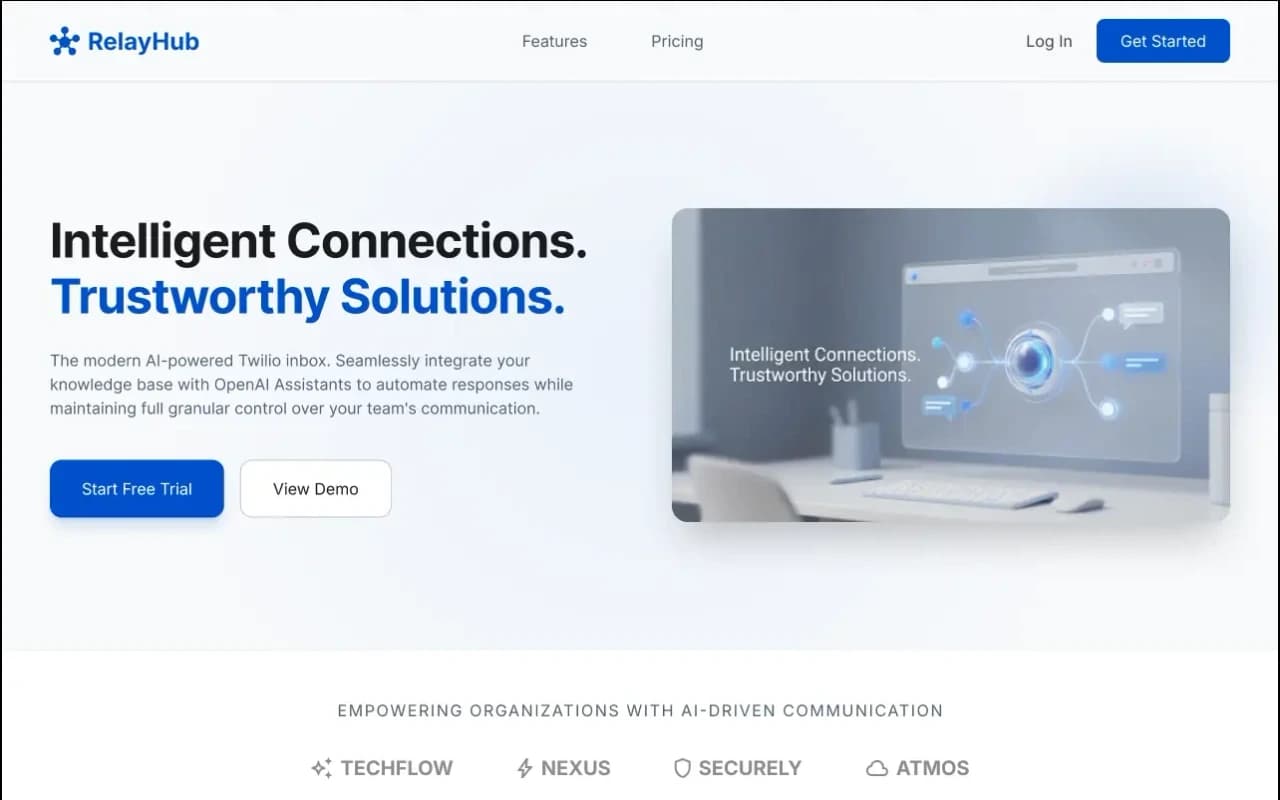
One triage view for Twilio phone and digital threads, with OpenAI drafts under admin prompts. Built for teams tired of rebuilding context across tools.
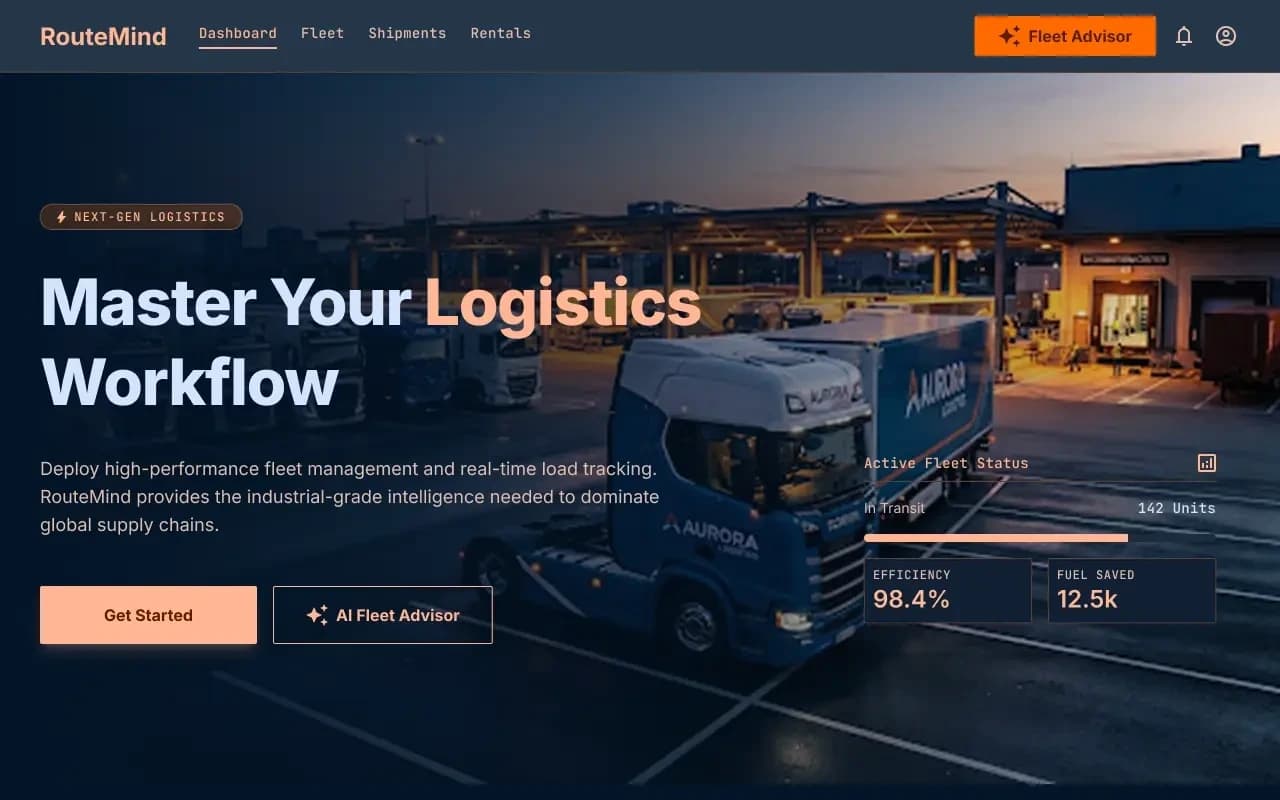
Shipper load board and fleet dashboard on one ops model, with an AI advisor that reads live capacity before suggesting the next move.
FAQ
Questions
More on all insights, custom software, or contact Algo Vortex.