

Key takeaways
Key takeaways
0401
The interface does not decide
Both can look like chat. The real distinction is whether the software only replies or can call tools and change a system.
02
Answers vs actions
Chatbots retrieve and reply. Agents plan, call tools, and stop when the job is done or blocked.
03
Start simpler
If there is no write, RAG plus chat is enough. Agents earn their keep when a person currently clicks through three systems.
04
RelayHub sits in between
It drafts like an agent and keeps a human on the send. That hybrid is how you ship without gambling the brand.
What is the difference between a chatbot and an AI agent?
A chatbot takes a message and returns a message. It may use retrieval so the reply matches your docs. It does not, on its own, create a ticket, move a shipment, or send mail. An AI agent uses a model to choose tools, observe results, and continue until the job is finished or handed off.
People blur the words because vendors sell chat UIs for both. Ignore the bubble. Ask what side effects exist. No side effects: chatbot. Side effects with a loop: agent. Side effects with a mandatory approve button: agent with a human in the loop, which is how most businesses should start.
If you need the longer architecture, read AI agent development. This page is the choice, not the blueprint.
Chatbot vs agent, by what the system is allowed to do
Main job
Chatbot
Answer in the thread
Agent
Complete a job across systems
Tools
Chatbot
Optional search / RAG
Agent
Required for anything useful
Writes
Chatbot
None, or a human copies the text
Agent
Creates, updates, sends, with guards
Memory
Chatbot
The current chat
Agent
Run state plus retrieval plus tool results
Failure mode
Chatbot
Wrong answer
Agent
Wrong answer plus a wrong action
Eval focus
Chatbot
Helpfulness and citations
Agent
Task success, tool errors, review rate
Typical fit
Chatbot
Help center, policy Q and A
Agent
Inbox ops, dispatch, intake, back office
| Chatbot | Agent | |
|---|---|---|
| Main job | Answer in the thread | Complete a job across systems |
| Tools | Optional search / RAG | Required for anything useful |
| Writes | None, or a human copies the text | Creates, updates, sends, with guards |
| Memory | The current chat | Run state plus retrieval plus tool results |
| Failure mode | Wrong answer | Wrong answer plus a wrong action |
| Eval focus | Helpfulness and citations | Task success, tool errors, review rate |
| Typical fit | Help center, policy Q and A | Inbox ops, dispatch, intake, back office |
When should you choose an AI chatbot?
Choose a chatbot when users need answers from approved material and will take the next action themselves. Help centers, internal wikis, and product guidance often fit. Add RAG when answers must use your documents, and show citations so users can verify important claims.
Chatbots are also the right first step when you do not yet trust writes. Let the model draft. Let the person paste. You will learn the job without giving the model a loaded tool. Many teams skip this and then spend a quarter building undo for an agent that should have been a draft box.
If the chat needs live order status, that is already a tool. You can still keep writes off. Read-only tools do not automatically make it a full agent, but you are on the path. Be honest in the UI about what it cannot do.
When should you choose an AI agent?
You need an agent when a person currently hops across systems to finish one job, and you can describe done. Classify, retrieve, draft, wait, send. Check inventory, propose a split, wait for confirm, book. The model is there for the judgment in the middle, not to replace the database.
Agents cost more to build and to watch. See AI agent development cost. They also fail louder. A chatbot that is wrong wastes a minute. An agent that is wrong can email a customer or duplicate a refund. That is why review is part of the product.
How to build an AI agent is the sequence once you know you need actions. Do not start from a multi-agent diagram. Start from one job.
Can a product combine chat with agent actions?
A product can combine a conversational interface with agent-like preparation and human approval. RelayHub supports busy inbox workflows by drafting from conversation context and account history. People remain responsible for tone, exceptions, and messages that should not be sent without review.
That is the pattern we trust. The model does the gathering and the first pass. The product does not pretend the model is the employee of record. Tooling exists. Autonomy is a dial. Support teams get speed without a silent send that nobody can explain later.
RouteMind is the other flavor: an advisor inside a fleet product, not a free chat toy. Recommendations sit next to the work. A person still owns the dispatch decision. If your buyers say they want ChatGPT for X, ask whether they want answers or actions. Then pick the shape on purpose.
Next step
Choose the right level of automation
Tell us what users need and which actions the software may take. We will recommend chat, an agent, or a human-reviewed approach that fits the risk.
Talk to Algo VortexSame cluster
Related in this cluster
AI agent development
AI agent development turns a defined business workflow into software that can reason, call tools, and hand risky decisions to people. This guide explains the architecture, guardrails, evaluation, and operating work needed to move past a promising demo.
How to build an AI agent
Build an AI agent by choosing one measurable job, mapping the data and tools it needs, limiting what it can change, and requiring human approval for costly actions. A narrow first release creates better evidence than a broad platform with no clear owner.
RAG development
RAG development connects a language model to your current documents, records, and permissions so answers can be traced to a source. The hard part is not calling a model. It is parsing, retrieval, access control, evaluation, and knowing when the system should decline to answer.
Capabilities
Related capabilities
Proof
Related case studies
Live products where this kind of work showed up in the build.
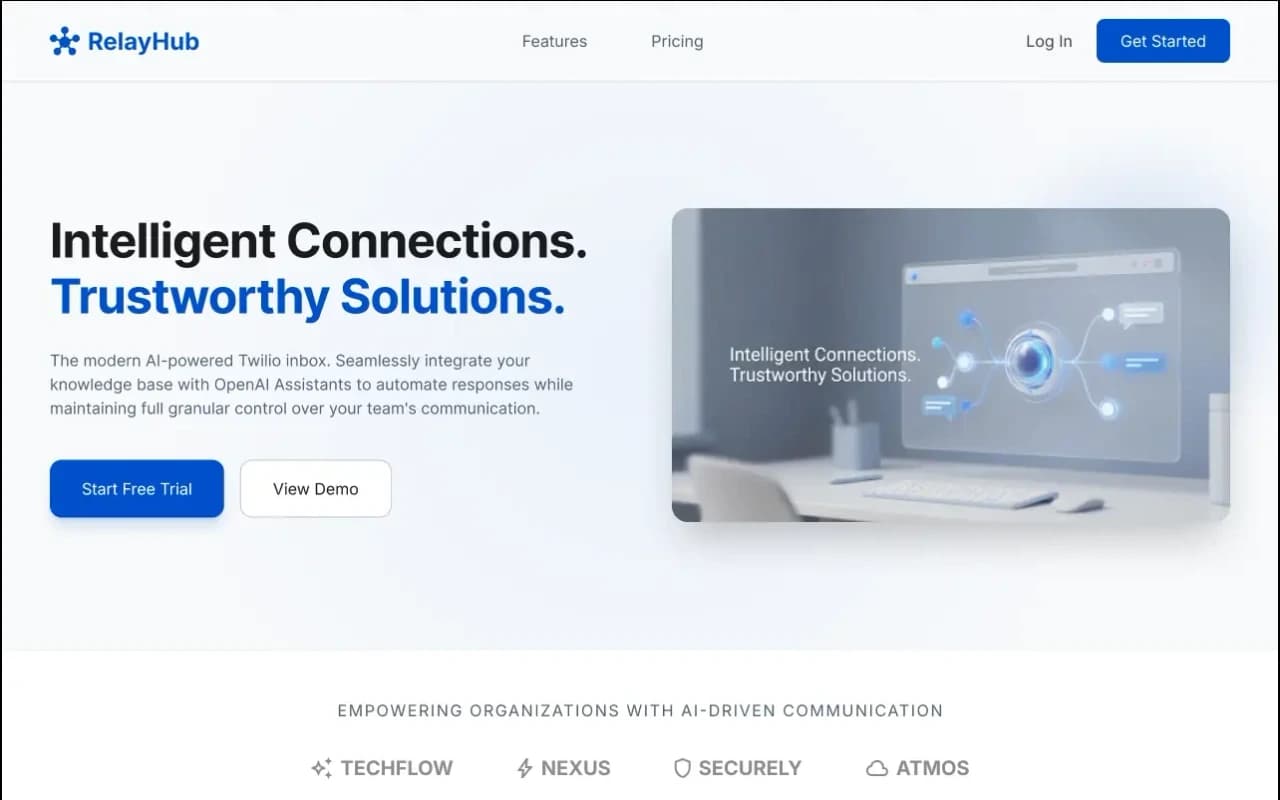
One triage view for Twilio phone and digital threads, with OpenAI drafts under admin prompts. Built for teams tired of rebuilding context across tools.
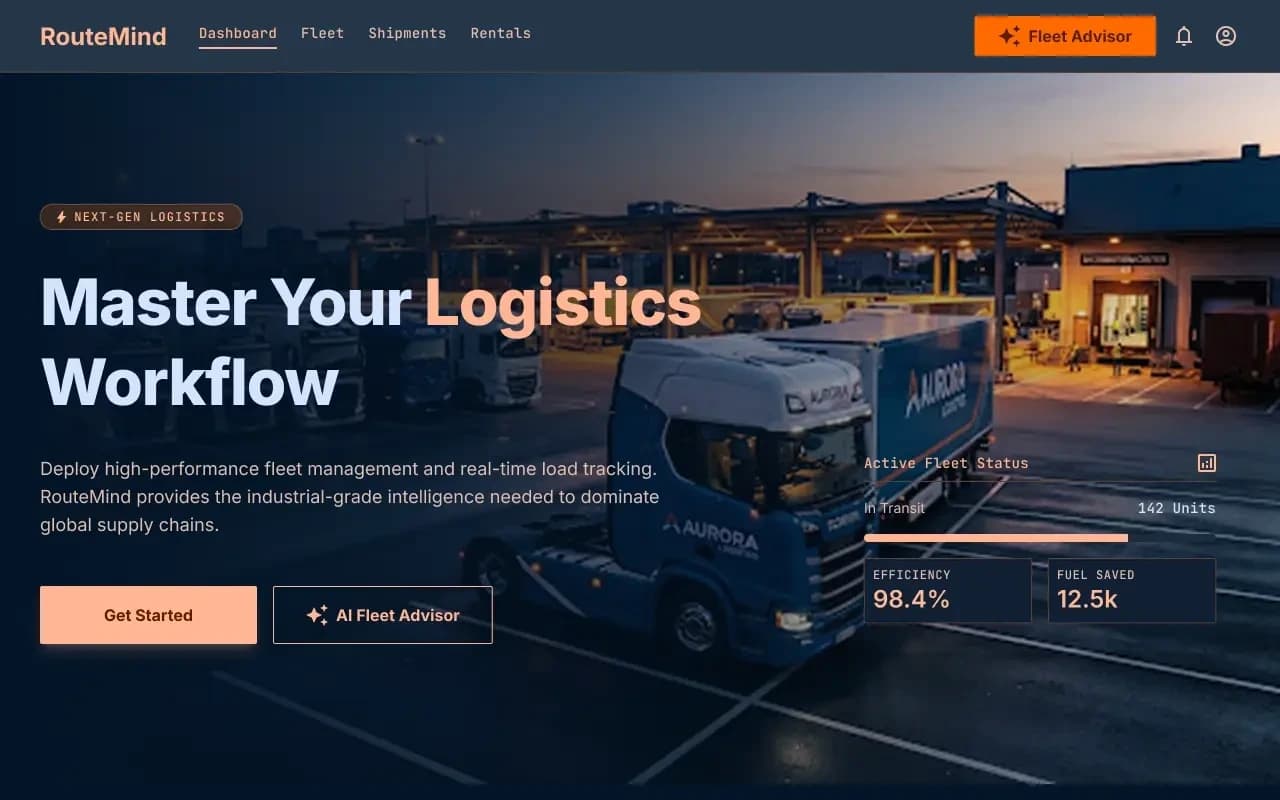
Shipper load board and fleet dashboard on one ops model, with an AI advisor that reads live capacity before suggesting the next move.
FAQ
Questions
More on all insights, AI development, or contact Algo Vortex.